Managing Causes
A cause is simply a charity or non-profit organisation that you would like to raise funds for. You’ll need to add at least one cause in order to add a donation campaign to your store.
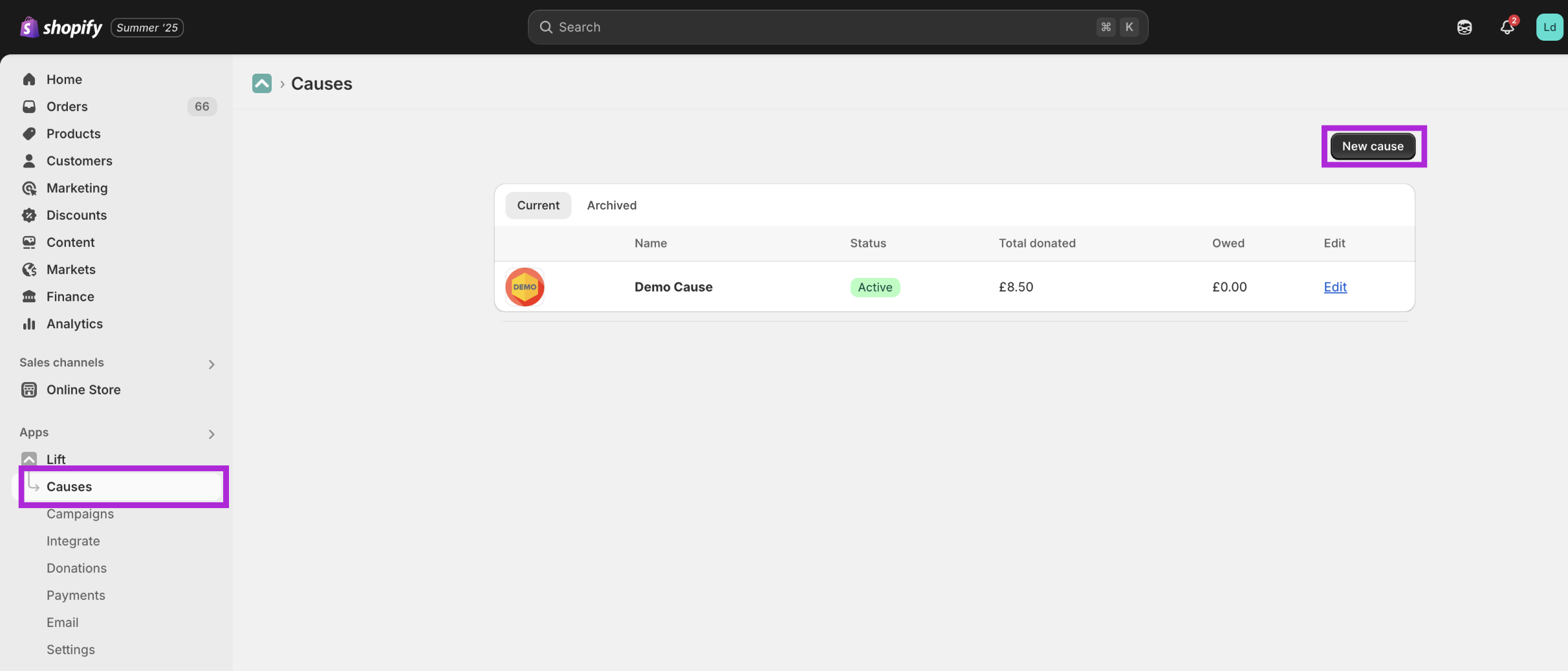
To add or edit a cause you’ll head to the 'Causes' menu item and click on 'New cause' or on an existing cause that you would like to manage:
 On the following page you'll be able to add a few basic details about each cause including:
- the name of the organisation
- a brief summary to help your customers understand why you are supporting the cause
- The website URL of the cause (if they have one)
- The non profit registration number - this is something like a Charity Commision number in the UK, and EIN in the United Status or an ABN in Australia. You'll need to add a registration number in order to be able to use this cause in a campaign.
- Finally, select the type of cause you are supporting from a list of common types.
You can also add the cause logo and an image that represents the work the cause carries out. Adding these images is not required but they do help to make your donation widgets more attractive and engaging.
Note that the cause will show as inactive until it is being used in an active campaign.