Managing campaigns
A campaign is a set of configuration options that determine how your store and customers will raise donations for selected causes.
To add or edit a campaign you’ll head to the 'Campaigns' menu item and click on 'New campaign' or on an existing campaign that you would like to manage:
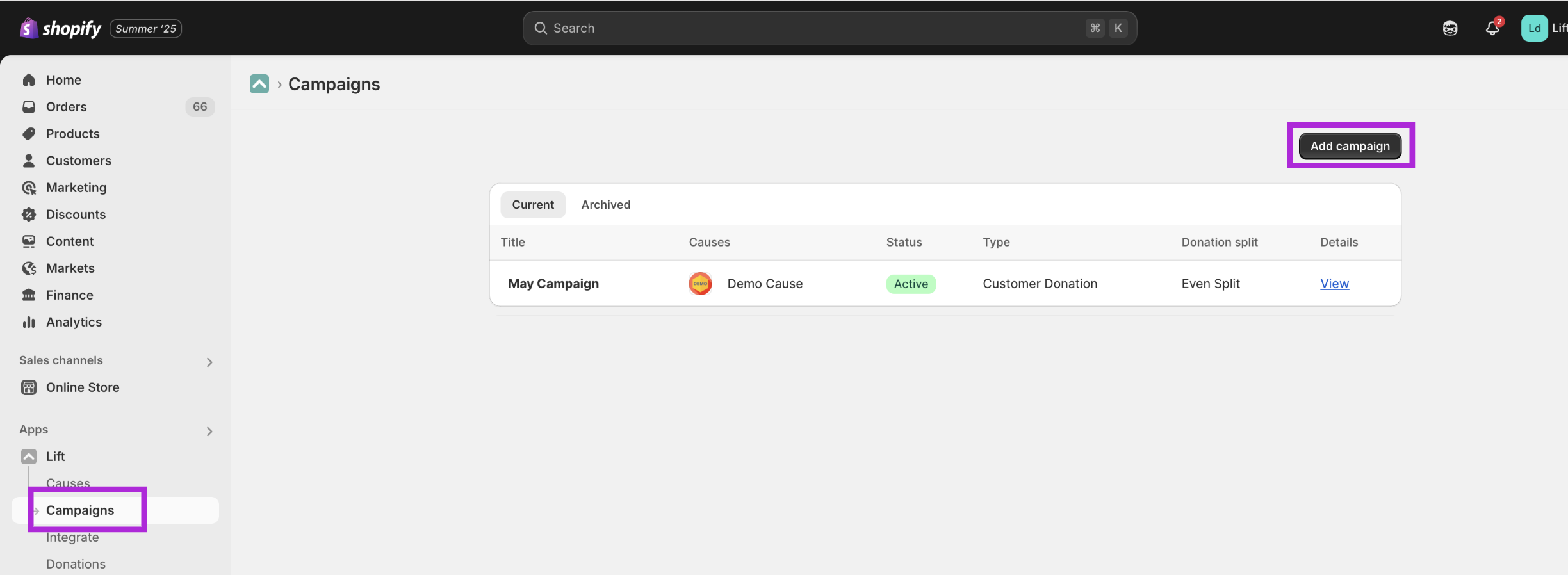
There are a few main areas of configuration for a campaign.
First you can edit the basic details about your campaign including
- A title. Customers won’t see this so just give your campaign a name that you can recognise in the app.
- Campaign status. Decide whether you want this campaign to show up straight away or if it should be hidden.
The next step is to decide which cause or causes you want to raise donations for. There is technically no limit to how many causes you can raise funds for in a single campaign but we recommend no more than five or so, so as to not overwhelm potential supporters with too much choice/information. Most users of Lift tend to only raise funds for a single cause at a time.
On the next screen you can configure how donations will be raised. If you are on the free plan you only have access to one campaign type called "Portion of Sales".
In this campaign type your store donate either a percentage - or a fixed amount - of each sale to your chosen causes. You can limit this to certain products or collections if you wish.
If you have a Lift Pro subscription you can also access the "Customer Donation" campaign type.
In this campaign type you can add:
- Donation tiers - where customers can choose from one or more preset amounts
- Minimum and maximum donation values
- Set suggested amounts which can include a round up of the current cart value.
You can also choose to add donation matching so that your store donates an equal amount as your customer. You can decide if this should be capped and the window during which match funding will take place.
If you are raising money in a country that offers tax relief on donations (e.g. Gift Aid in the UK) you can also set options for how customers will make a declaration so that you can claim this tax relief.